Back to projects 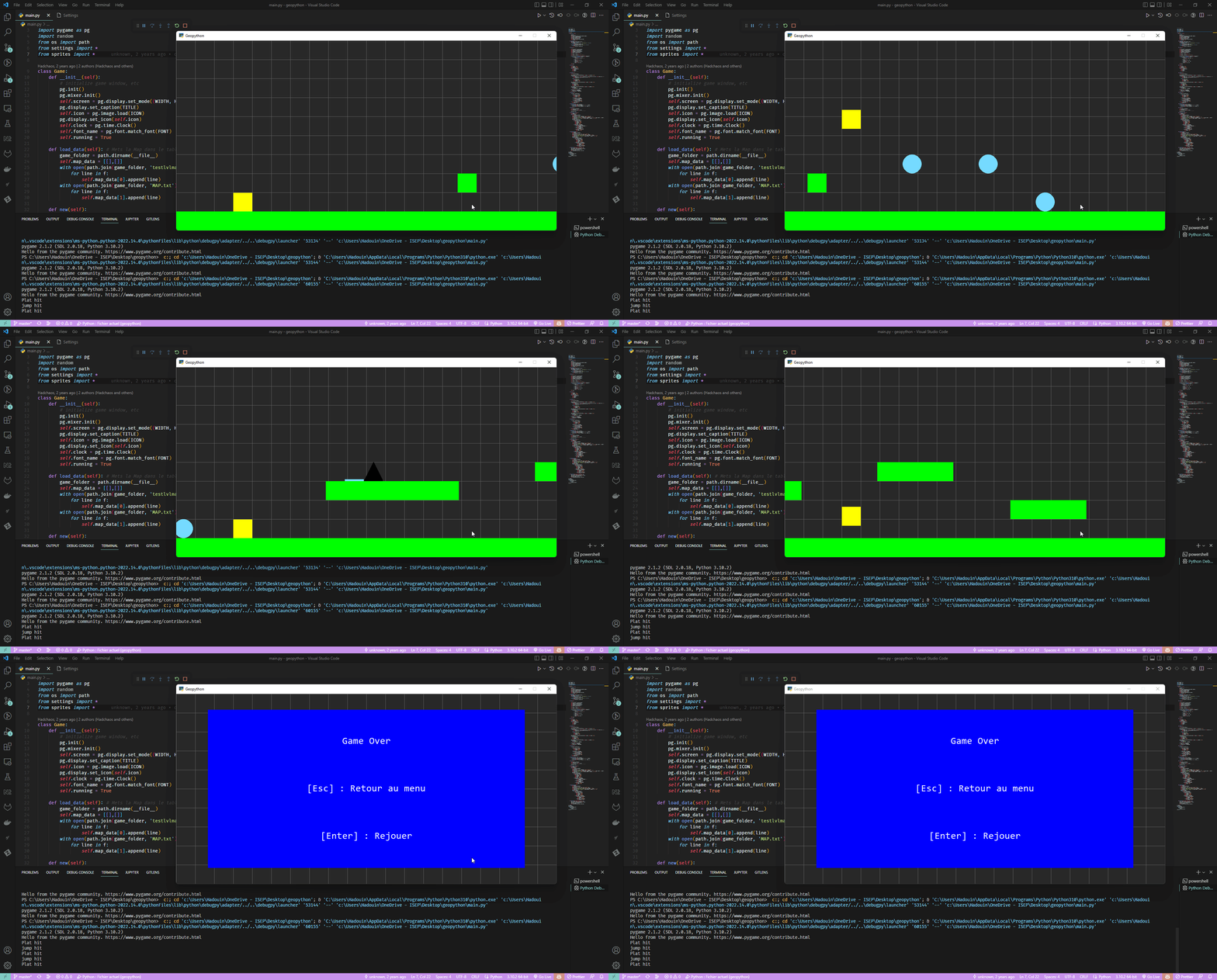
GeoPython
Recreating geometry dash in python
|
- python
- pygame
- git
About the Project
GeoPython is a recreation of the popular rhythm-based platformer game “Geometry Dash” built with Python and Pygame. This was one of my first major programming projects, created to learn game development fundamentals and Python programming.
Gameplay
The gameplay mirrors the original Geometry Dash experience:
- Auto-scrolling levels that move from left to right
- One-button control: Click/tap to jump
- Obstacle avoidance: Navigate through spikes and barriers
- Timing-based gameplay: Jumps must be precisely timed
- Instant death: Hit an obstacle and restart from the beginning
Features
Game Mechanics
- Smooth physics for jumping and movement
- Collision detection with obstacles
- Multiple obstacle types: Spikes, blocks, and platforms
- Progress tracking within levels
Level Design
- Custom level format for easy level creation
- Scrolling background for depth effect
- Visual feedback on player actions
Technical Features
- 60 FPS smooth gameplay
- Sprite-based graphics for player and obstacles
- Game loop with proper delta time handling
Technical Implementation
Pygame Architecture
# Main game loop structure
while running:
    handle_events()
    update_game_state()
    render_frame()
    clock.tick(60)
Key Components
- Player class: Handles input, physics, and collision
- Level loader: Parses level files into game objects
- Obstacle manager: Spawns and moves obstacles
- Renderer: Draws all game elements with proper layering
Physics System
The jump mechanic uses simplified physics:
- Gravity: Constant downward acceleration
- Jump force: Instant upward velocity on input
- Ground detection: Prevents falling through platforms
Challenges Overcome
- Frame-rate independence: Ensuring consistent gameplay across different machines
- Precise collision: Making hitboxes feel fair to the player
- Level pacing: Designing levels that are challenging but not frustrating
What I Learned
This project was my introduction to:
- Game development concepts: Game loops, sprites, collision detection
- Pygame library: Event handling, rendering, and audio
- Python programming: Classes, file I/O, and modular code
- Problem-solving: Breaking down complex systems into manageable parts
Reflection
GeoPython was a pivotal project in my programming journey. It showed me that I could create something fun and interactive with code, which sparked my continued interest in software development.